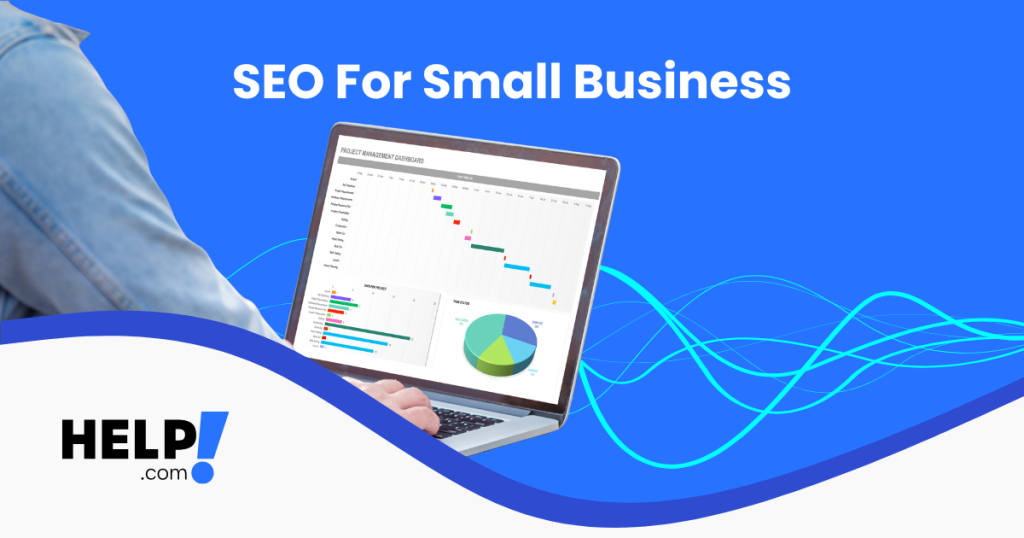
Search Engine Optimisation (SEO) continues to deliver a strong return on investment for many small businesses and also remains one of the highest-return marketing channels. Even as AI-powered search continues to evolve, Google still prioritises websites that are fast, secure, and genuinely helpful to real users, so taking note of SEO tips for small businesses can boost profits!
The following ten tips will help your website climb up the search engine rankings and stay there.
Write Titles and Meta Descriptions That Earn Clicks
Your page title and meta description are often the first impression someone has of your business on Google. They need to be clear, relevant, and compelling. It’s always beneficial to include your primary keyword naturally, keep titles under 60 characters and descriptions under 160, and use language that encourages action. Well-written metadata doesn’t just help rankings; it directly improves click-through rates. Testing variations over time using Google Analytics 4 (GA4) can reveal which wording performs best.
Speed Up Your Website for Better Rankings and Conversions
Slow websites lose visitors quickly, especially on mobile. For best results, aim for a load time under two seconds.
Compress images and use modern formats like WebP, enable browser caching, and minimise unnecessary CSS and JavaScript. Hosting your site on Australian servers also improves local performance and user experience.
Tools like Google PageSpeed Insights can highlight issues and guide improvements.
Prioritise Mobile Users First
More than 65% of searches in Australia occur on mobile devices, which makes mobile optimisation essential!
Your website should use a responsive design for mobile and handheld devices, with menus, buttons, and forms that are easy to use on smaller screens. Avoid intrusive pop-ups that block content and frustrate users. Google considers mobile usability an important page ranking factor, so making your site mobile-friendly directly impacts visibility.
Use Local Keywords and Australian Context
Local SEO helps your business appear when customers search nearby. Including geo-specific keywords such as “SEO services Melbourne” or “web hosting Sydney” improves relevance for local searches.
Add your city or region to key page titles and headings, and ensure your Google Business Profile is complete and accurate with consistent name, address, and phone details. Backlinks from reputable .com.au websites also strengthen local authority.
Strengthen Your Site With Internal Links
Internal linking helps search engines understand your website’s structure and distributes authority across pages.
Link related content together naturally, for example, connecting a web hosting page to a guide about how to choose the best domain names. Aim for three to five relevant internal links per page, and use descriptive anchor text instead of generic phrases like “click here.”
Add Descriptive Alt Text to Images
Alt text helps search engines and accessibility tools understand what your images represent. It’s also a simple SEO win that many businesses overlook.
Describe the image clearly and include keywords only where they make sense. For example, “Small business owner updating SEO settings on Help.com” provides both context and relevance.
Maintain Accurate Local Business Listings
Listing your business on platforms like Google Maps, Apple Maps, and trusted Australian directories helps boost local rankings and credibility.
Make sure your hours, service areas, contact details, and images are up to date across all listings. Consistent information builds trust with both users and search engines.
Publish Helpful, High-Quality Content Regularly
Search engines favour websites that consistently publish useful content answering real customer questions.
Posting blogs or guides on topics your audience actively searches for helps build authority over time. Use clear headings, internal links, and original visuals where possible. While AI tools can assist with drafts, content should always be written for humans first, with accuracy and clarity as the priority.
Secure Your Website With SSL
Google flags non-HTTPS websites as “Not Secure,” which can deter visitors and harm rankings.
Installing an SSL certificate protects user data and improves trust. Redirect all HTTP traffic to HTTPS and regularly check that your certificate remains valid. Secure sites not only rank better, they often convert better too.
Track Results With GA4 and Search Console
SEO works best when it’s measured. Set clear goals such as traffic growth, lead generation, or keyword improvements, and track progress consistently.
GA4 helps monitor organic traffic and user behaviour, while Google Search Console reveals indexing issues and ranking changes. Pages ranking between positions 8 and 15 are often the easiest to optimise for quick gains.
Why Help.com Is a Smart SEO Partner
Help.com supports Australian businesses with locally hosted, SEO-ready infrastructure and tools designed to simplify optimisation. From built-in sitemap and metadata controls to expert support and custom digital marketing plans, everything is designed to help small and medium businesses grow sustainably.
Whether you’re just starting with SEO or looking to improve existing rankings, Help.com can help you build visibility that lasts, without unnecessary complexity or guesswork!
Your website should work as hard as you do, and we HELP make that happen!
Frequently Asked Questions
How long does SEO take to work for Australian businesses?
SEO is a long-term strategy, not an instant fix. Most Australian businesses start to see meaningful improvements within three to six months, depending on competition, website quality, and how consistently SEO best practices are applied.
Is SEO still worth it with AI search and paid ads?
Yes. Even with AI-powered search and advertising, SEO remains one of the highest-ROI marketing channels. AI tools still rely on high-quality websites as source material, and organic search continues to drive consistent, cost-effective traffic over time.
Can small businesses handle SEO themselves?
Many SEO basics can be handled in-house, such as writing clear content, optimising page titles, and maintaining accurate business listings. More advanced strategies, including technical optimisation and competitive keyword targeting, are often easier with expert support.
 Domains
 Company